

Lean Markdown Converter
Convert entire folders of files to Markdown - instantly, locally, and on your terms.
What It Does
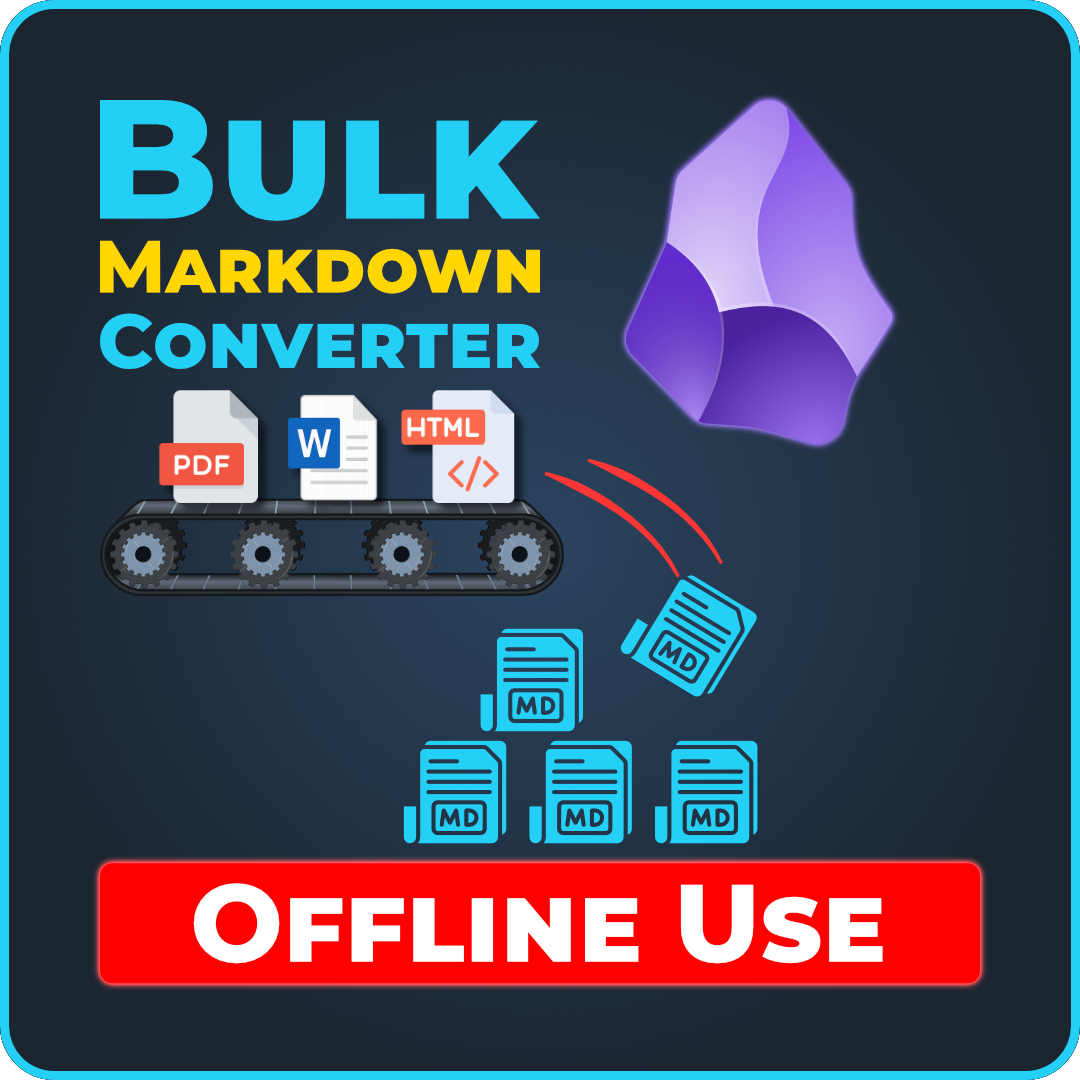
Lean Markdown Converter batch-converts documents, spreadsheets, images, audio, and notebooks into clean Markdown. Point it at a folder, select what file types you want, and it mirrors your entire directory structure with .md output files. No subscriptions, no accounts, no guesswork.
Built on Microsoft MarkItDown with a clean point-and-click interface - select your folders, tick the formats you want, and hit Start.
Key Features
- Smart conversion: Skips already-converted files (unless you force it), shows live progress, supports cancel mid-run
- Settings that stick: Your preferences (folders, formats, options) are remembered between sessions
- Detailed logs: Every run is timestamped and logged so you can review what converted and what didn't
- Dry-run preview: See what would convert before it actually happens
- Fast startup: Built for speed - app is less than half the size of previous versions
Supported Formats (21 total)
- Documents: .pdf .doc .docx .msg
- Spreadsheets: .xls .xlsx .csv
- Web & markup: .html .htm .xml .json
- Presentations: .ppt .pptx
- Books & notebooks: .epub .ipynb
- Images: .jpg .jpeg .png (with metadata and optional AI extraction)
- Audio: .mp3 .m4a .wav (speech transcription)
What's New in 2.0.1
- Complete rebuild: Faster, leaner, more reliable. Optional audio and image tools no longer bloat the installer.
- Clearer image privacy: Choose between EXIF metadata (fully local) or AI-powered text extraction (with full control over which AI service).
- Better installer: Faster to download and install. Choose which optional tools you actually need.
- Smarter audio support: More robust transcription with speech-to-text.
Image Conversion & Privacy
Images can convert in two independent modes - with very different privacy implications.
EXIF Mode (Default - Fully Local & Private)
Extracts image metadata like camera model, date taken, GPS location, and other technical details. Uses a bundled tool called ExifTool, runs entirely on your machine. No internet, no AI, no images leave your computer.
AI OCR Mode (Full Text Extraction & Description)
Transcribes the text in your images word for word into clean Markdown - headings, lists, and tables included. Images without text get a concise AI description instead. This requires an AI vision model - you choose which one:
- Local AI (Fully Private): If you run a local LLM like Ollama with a vision model (e.g., glm-ocr, ~2 GB), images stay on your machine. Nothing is uploaded anywhere. glm-ocr shines on screenshots and everyday documents; for dense multi-column pages, the online option gives the cleanest results.
- Online AI (Images Sent to Provider): Without local AI, you can use Google Gemini (free tier available, your API key), OpenAI, or any OpenAI-compatible service. In this mode, your image files are sent to the online AI provider for processing. If you're handling confidential images, use local AI.
Everything Else Works Offline
Documents, spreadsheets, web pages, and image metadata all convert locally with zero internet required. Audio transcription is the only other feature that needs the internet - it uses Google's free speech recognition service.
System Requirements
- Windows 10 or 11 (64-bit)
- Roughly 500 MB disk space for the app and optional tools
- Optional: ExifTool (~40 MB) for image metadata, FFmpeg (~226 MB) for audio transcription. You can skip optional tools during installation if you don't need them.
Licensing
- Personal and commercial use allowed
- No subscription, no account required
- No internet needed for core conversion (online only for audio and optional online AI image OCR)
- One-time purchase includes free updates within the major version
- Honest and affordable - no hidden catches
Download now and start converting your files locally, privately, and fast.